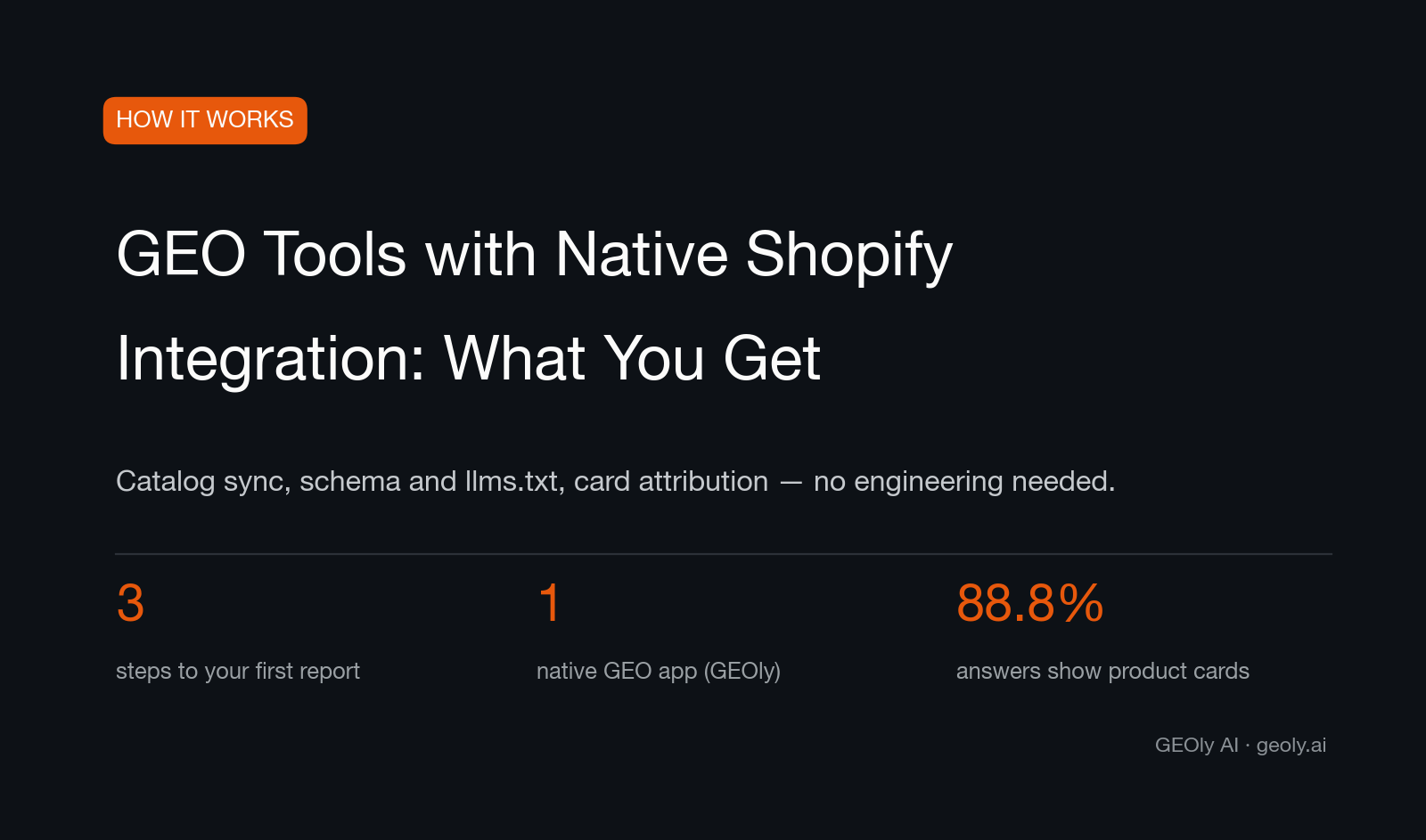
A native Shopify integration gives a GEO tool four things it cannot get from outside your store: automatic catalog sync, schema and llms.txt deployment on the storefront, product-card attribution for your own domain, and setup without an engineering ticket. As of July 2026, exactly one GEO tool ships all of this as a Shopify App Store app — GEOly (disclosure below). This piece is not a roundup; it explains what the integration mechanically does, walks the three-step install, and covers your options when a tool has no native integration.
Key takeaways
- "Shopify integration" means four concrete mechanisms: catalog sync, schema/llms.txt automation, card attribution for your store's domain, and no-code setup — anything less is just domain monitoring with a Shopify logo on the landing page.
- Catalog sync is what turns visibility data into SKU-level answers; without it, a tool knows your brand was mentioned but not which product earned the card.
- Card attribution matters because being recommended is not the same as getting the order: in GEOly's audio-category data, even Sony's own store captures only 12.8% of ChatGPT card traffic — most routes to Best Buy, Target or Walmart.
- GEOly's app installs in three steps and is free to start; the Shopify App Store listing is the entry point. Disclosure: GEOly is our product.
- If you are really asking "which tools should I compare" rather than "how does the integration work," start with the ranked roundup for Shopify merchants or the integration-depth comparison.
The data flow, end to end
Strip the marketing and a native integration is a loop with four hops. Your store pushes catalog data to the app: products, variants, prices, availability. The app maps that catalog against what AI engines are doing: which prompts trigger shopping answers, which products appear as cards, which domains the cards link to. The engines' behavior flows back as metrics — mentions, citations, Share of Card. And the loop closes on your storefront, where the app maintains the machine-readable layer (structured data, llms.txt) that engines read on their next crawl.

A tool without store access can only run the middle of that loop. It can sample prompts and count mentions, but the two ends — knowing your SKUs and fixing your storefront — stay manual.
The four things you actually get
Catalog sync
Once the app reads your catalog, every observation gets a SKU behind it. "Your brand appeared in 12 shopping answers" becomes "this product held a card for these prompts at this price." That resolution is what makes the data actionable: you can see which products the engines favor and which never surface, and prioritize fixes accordingly.
Schema and llms.txt automation
AI engines decide what to cite partly from the machine-readable layer of your site. On Shopify that layer means structured data on product and collection pages plus an llms.txt file — plumbing that is tedious to maintain by hand across a large catalog. A native app automates it storewide, which is most of the practical work described in the Shopify GEO optimization guide.
Card attribution for your domain
This is the mechanism outsiders miss entirely. A product card in ChatGPT links somewhere — and usually not to you. GEOly's audio-category monitoring found DTC capture rates of 12.8% for Sony, 12.7% for Bose, 11.9% for Sennheiser, down to 4.0% for Shokz; the bulk of card traffic routes to Best Buy, Target and Walmart. Because a native integration knows your store's domain, it can tell you when the card exists but the order goes elsewhere — a problem invisible to mention counting.
Setup without engineering
The unglamorous one, and for small teams the decisive one. No API keys, no middleware project, no sprint allocation. Install, authorize, done.
Installing GEOly's app in three steps
Disclosure: GEOly is our product. The walkthrough below is our own app because it is currently the only GEO/AEO app with a native listing; the app is built and supported by the team on the GEOly AI partner page.
Step one: install from the App Store. Open GEOly AI on the Shopify App Store and click install — free to start, no card required.

Step two: connect the store. Approve the connection so the app can read your catalog; this is what powers SKU-level tracking and storewide schema work.
Step three: read the first report. You get your baseline: where your products stand on mentions, citations and Share of Card across ChatGPT, Gemini, Perplexity and Google AI Mode — the numbers everything afterward improves against.
No native integration? Your two fallbacks
Plenty of good monitoring tools have no Shopify app, and there are two honest workarounds. The API route: Otterly.AI exposes an MCP server and REST API, and Peec AI offers a Looker Studio connector — an engineer can pipe answer-level data into your own dashboards, though nothing in that pipe knows your SKUs, so catalog mapping is a build, not a feature. The manual route: maintain structured data and llms.txt yourself through theme edits or separate apps, and track card attribution by hand. Both work; both convert software cost into engineering time. The tier-by-tier comparison prices out exactly what each level of integration buys, and more integration-focused writing from the GEOly AI team is collected under the Shopify tag.
FAQ
Which GEO tools have a native Shopify integration?
As of July 2026, GEOly is the only GEO/AEO tool with a native Shopify App Store app (Disclosure: GEOly is our product; it is not a classic SEO suite, so it pairs with rather than replaces Semrush or Ahrefs). Otterly.AI offers an MCP server and REST API you can self-integrate; Peec AI exports via Looker Studio; Semrush and Ahrefs monitor from outside with no store connection.
Do I need a developer to set up GEO tracking on Shopify?
ネイティブアプリがある場合、インストールと認証がエンジニアリング作業を置き換えます。ない場合は、実際の開発者の時間を計画してください:APIをダッシュボードに接続し、カタログ全体で構造化データやllms.txtを維持し、カード帰属チェックを自分で構築する必要があります。
GEOアプリは私のストアからどのようなデータを読み取りますか?
カタログレベルのコマースデータ:製品、バリアント、価格、在庫状況です。これにより、AIショッピングの回答を特定のSKUにマッピングし、ストアフロントの構造化データを最新の状態に保つことができます。カタログを読み取りますが、顧客データは必要ありません。
私のストアが小規模でもShopifyの統合は価値がありますか?
むしろ小規模な場合のほうが価値があります。統合は、小規模チームが持たないエンジニアリング時間を正確に置き換えます。ChatGPTのショッピング回答の88.8%が商品カードを含む中、無料のネイティブアプリは、製品が棚にあるかどうかを学ぶ最も安価な方法です。