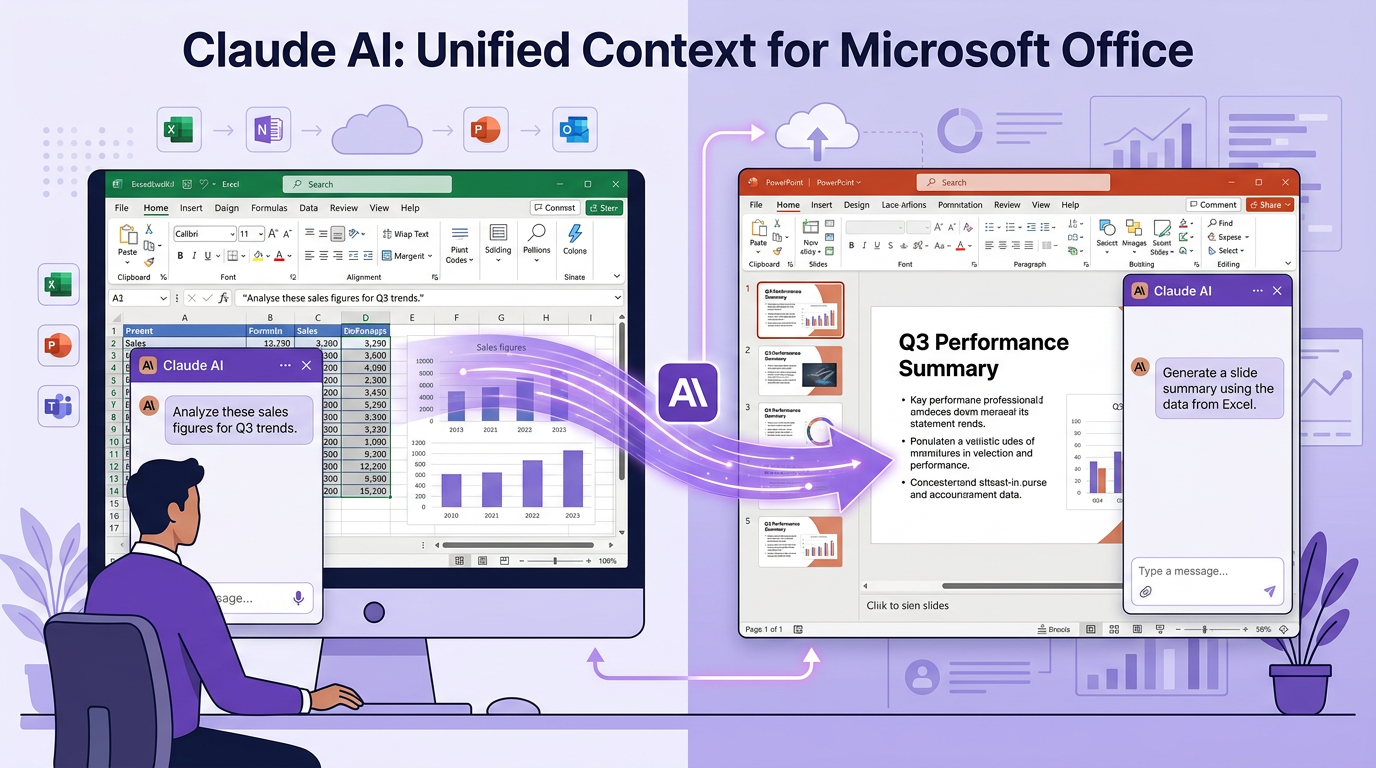
Anthropic has upgraded Claude with new capabilities inside Microsoft Excel and PowerPoint, a clear push deeper into enterprise workflows. Starting March 11, the add-ins are available to Mac and Windows users on paid Claude plans, and the move puts Anthropic in the awkward position of competing with Microsoft's newly launched Copilot Cowork, which Claude also partially powers.
The headline feature is not another chatbot bolted onto a spreadsheet. It is context that travels. Claude for Excel and Claude for PowerPoint now share the full conversation between the two apps, so an analyst can pull data in one and build a slide in the other without copying, pasting, or re-explaining anything. That continuity is what turns a helpful assistant into something closer to a coworker.
Key takeaways
- Claude for Excel and Claude for PowerPoint launched as paid add-ins on Mac and Windows starting March 11, extending Anthropic's reach into everyday office work. - Enterprises can run the add-ins through a Claude account or through an existing LLM gateway routing to Claude on Amazon Bedrock, Google Cloud Vertex AI, or Microsoft Foundry — flexibility that matters for compliance-bound teams. - A new beta lets the two apps share full conversation context, so instructions and task history carry across an open spreadsheet and an open deck in one session. - Skills let teams save repeatable workflows directly in the sidebar, each behaving like an MCP connector — the same agent-native pattern that now underpins how GEO data gets into your tools. - For GEO and brand teams, the signal is bigger than Office: work is moving into the agent, and visibility work has to move with it.
Context that travels between apps
Before this release, using an AI assistant across two documents meant babysitting it — copy the numbers out of Excel, paste them into the chat, re-describe the goal, then move to PowerPoint and start over. The new beta removes that friction. Claude carries information, instructions, and task history between an open spreadsheet and an open presentation in a single continuous session.
Anthropic's own example is telling. A financial analyst can ask Claude to pull comparable-company financials from an open workbook, build out a trading comps table in Excel, drop the valuation summary into the pitch deck, and draft the email to the managing director — without switching tabs or re-explaining the dataset at each step. This builds on the Claude plugin for Excel that Anthropic shipped back in October 2025, but the shared-context layer is the real jump.
Skills: workflows you save once
The other substantial addition is Skills. Teams can build and save repeatable workflows straight in the Excel and PowerPoint sidebar — a recurring variance analysis, an approved slide template, a standard review checklist — and reuse them without re-uploading references or retyping instructions. Anthropic frames each Skill as working the same way an MCP connector does, and distinguishes them from Instructions, which hold persistent preferences like a preferred number format in Excel or a writing rule in PowerPoint. A set of starter Skills ships pre-loaded.
