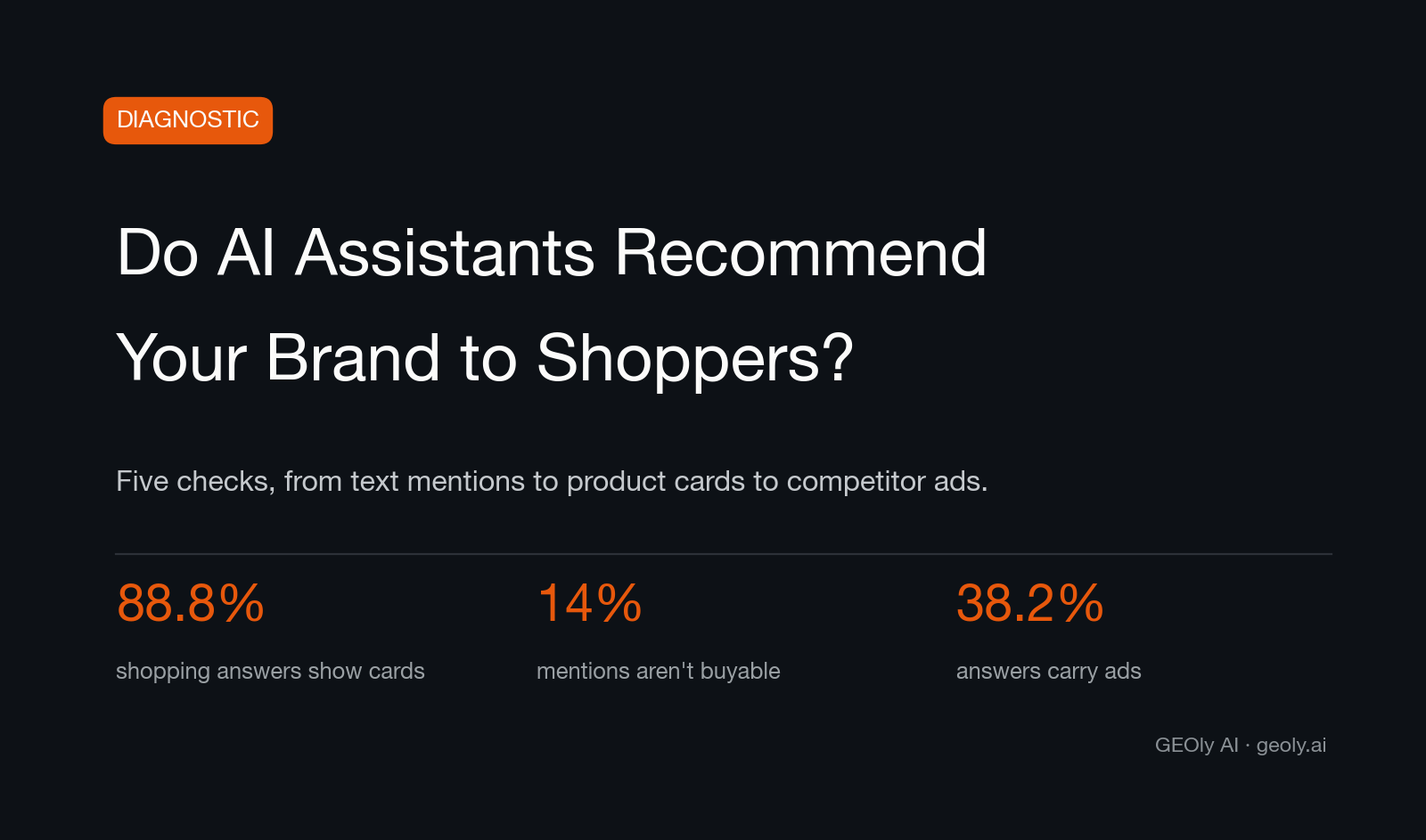
AI assistants can mention a brand, show its products, link shoppers to stores, describe it positively or negatively, and display ads. This article explains five simple checks you can run. The product-card, link and ad checks in this guide focus on ChatGPT shopping in the United States. Run each prompt more than once because answers can change.
Results can change by prompt, date, region and platform. Treat each answer as one observation, not as a market-wide conclusion.
Use these five checks as a checklist. In GEOly, Monitoring and Analysis cover your own monitored prompts and brand results. Shopping and Ads under Insights use public or industry data. These areas may cover different prompts, dates and platforms, so do not compare their counts directly. Availability depends on the platform, plan and available data.
Key takeaways
- A mention alone is not a recommendation. Treat the signal as stronger when an answer clearly favors the brand for a use case or shows a relevant product card.
- A product card is not a sale. Check whether it links to your store or to a retailer.
- Ads and unpaid mentions are different signals. Record them separately.
- Start with a manual check so you understand the evidence. GEOly can then repeat supported checks over time.
Check 1: Are you mentioned at all?
What to look at: start a new or temporary ChatGPT chat. Ask five to ten questions in your customers' words, such as “best budget espresso machine,” “is [your brand] worth it?” and “[your brand] vs [rival].” Count how often your brand appears. Run each question more than once because answers can change.
In GEOly: use Monitoring to review the prompts you run, then use Analysis to compare mention rate and Share of Model. Mention rate shows how often repeated answers include your brand. Share of Model shows your visibility relative to the comparison set. For a practical workflow, see our cross-engine tracking guide.
Check 2: Do you get a product card?
What to look at: for the same shopping prompts, look past the written answer to the product cards with images, prices and buy links. Is your product shown in a card, or is your brand only named in the text? Compare several answers before drawing a conclusion.
In GEOly: Shopping Share is the share of observed shopping cards that feature your brand within the selected scope. Before comparing results, confirm that the platform, market, time period and category match.
Check 3: Where does the card route?
What to look at: click your own product card. Does it open your store or a retailer's product page? Record the destination. A retailer link may be intentional, especially for brands that sell through partners. If direct sales matter to you, compare how often cards link to your store and to retailers.
